 markcv
 Markdown in, ATS-safe PDF out
Your CV does not fit two pages.
markcv tells you why.
Most Markdown resume tools stop at rendering. markcv starts there — it explains which block pushed your CV onto a third page, and audits the writing for the two failures that cost you interviews: overselling and underselling.
npm install -g @phuthuycoding/markcv✗ 3 pages (target 2) · content 1986px / 2080px available · 31px wasted by page breaks Blocks pushed to a new page: PROJECT HIGHLIGHTS (H2, y=1009) → wastes 31px at the end of page 1 Suggestions: Content HAS ROOM (94px to spare) — length is not the problem, the page break is. "PROJECT HIGHLIGHTS" at y=1009 has only 31px left before the end of page 1, so the whole block moved down. Fix: reorder sections, cut ~3 lines above it, or use --theme compact.
Three things it does past rendering
Turning Markdown into a PDF is solved. These are the parts that still waste an afternoon.
fit Page-break diagnosis
“Too long” and “broken badly” are different illnesses with opposite cures. Trimming words is useless when the real culprit is a heading sitting 31px above a page boundary.
markcv measures the rendered document and names the block, the pixels it wasted, and which of the two problems you actually have.
lint Content audit
Catches overselling — spearheaded, comprehensive, excellence — words a reader skips and an interviewer distrusts.
And underselling, which nobody checks for: advised on next to work of real scale. Claiming less than you did is a mistake too, and it costs you something while gaining nothing.
tailor Job-description match
Shows what the posting asks for that your CV never evidences, which keywords live only under SKILLS — the ones that collapse in a deep interview — and which bullets are unrelated.
Cut those unrelated lines first, before cutting anything that matters.
Written in Markdown, printed like a document
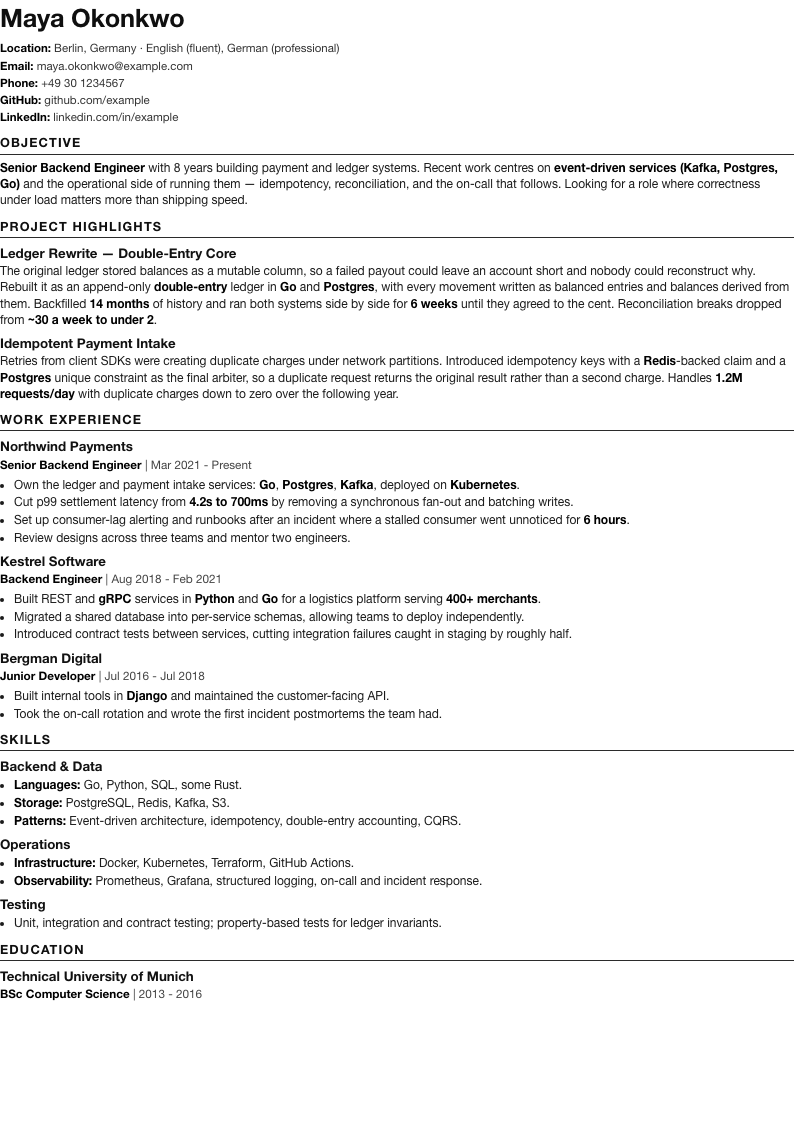
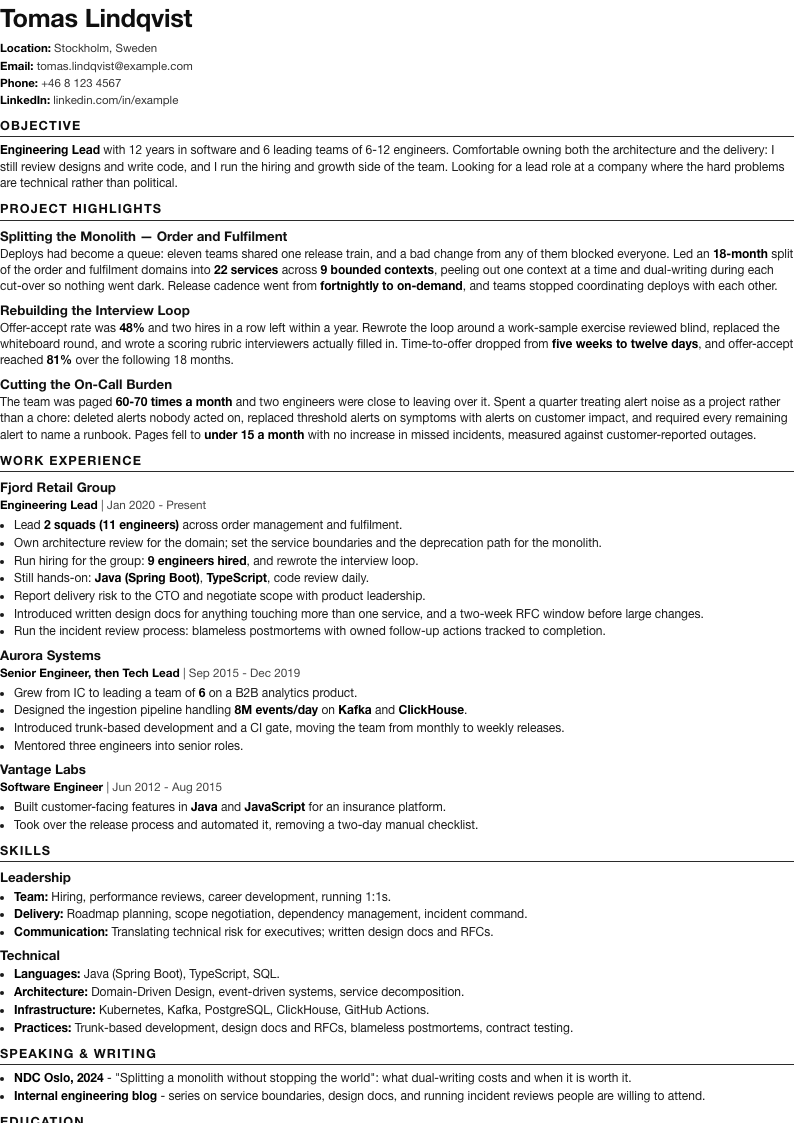
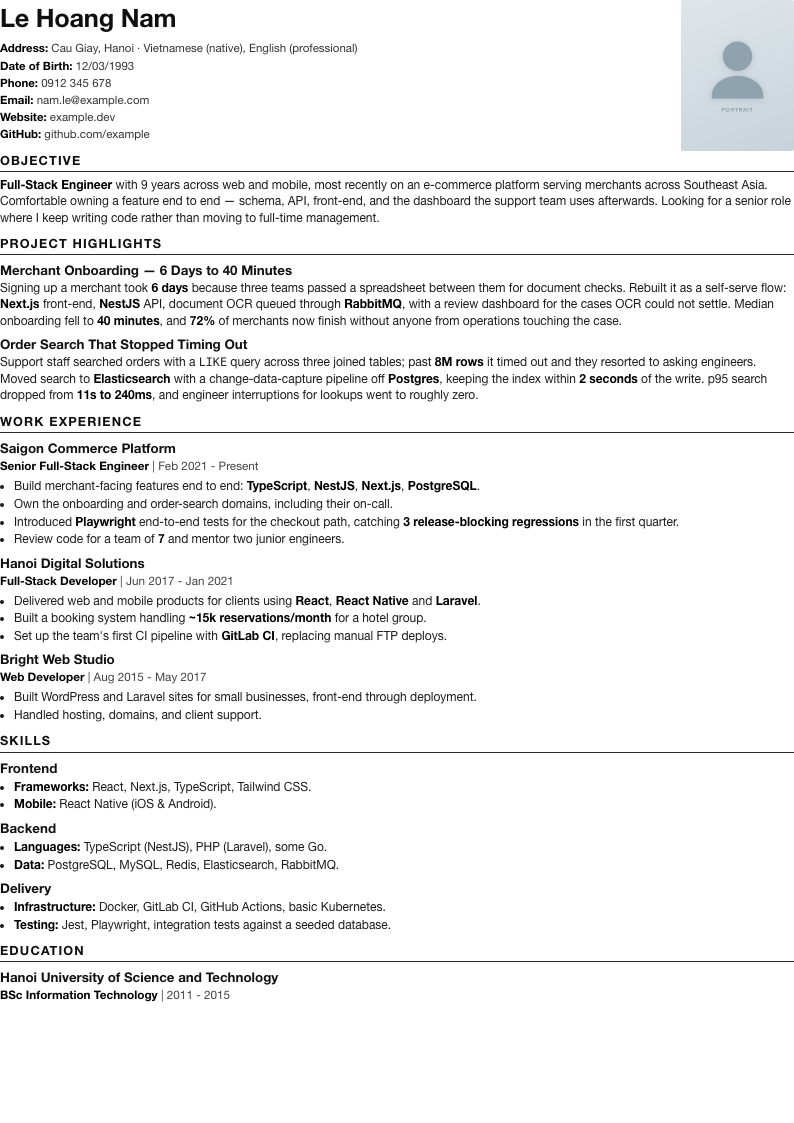
Single column, real text layer, no emoji in headings — safe for the parsers that read your CV before a human does.
An AI agent can drive it
Seven MCP tools returning structured JSON — so the agent iterates instead of guessing: edit, measure, read the culprit, edit again.
.mcp.json
{
  "mcpServers": {
    "markcv": {
      "command": "npx",
      "args": ["-y", "@phuthuycoding/markcv", "mcp"],
      "cwd": "/path/to/your/cv/folder"
    }
  }
}
check_fit returns
{
  "pages": 3,
  "contentWouldFit": true,
  "slackPx": 94,
  "wastedByBreaksPx": 31,
  "culprits": [{
    "title": "PROJECT HIGHLIGHTS",
    "wastedPx": 31,
    "page": 1
  }]
}
Skills ship with it too
The MCP server hands an agent the tools. A skill is what tells it which cure a diagnosis calls for — "content has room" and "content too long" need opposite fixes — and what a bullet should sound like.
✓ markcv → ~/.claude/skills/markcv
✓ topcv  → ~/.claude/skills/topcv

Restart your agent to pick the skills up.
markcv Writing a CV
Reading a fit report without cutting the wrong thing, the lint rules, bullet style — strong verb, scope, result, no narrating the process — and keeping several tailored variants in sync.
topcv Publishing it
Pushing a Markdown CV to TopCV.vn, both the CV builder and the profile page. Needs the chrome-devtools MCP server alongside this one.
Already-installed skills are left alone, so your own edits survive an upgrade.
Do you need this one?
If you only want Markdown turned into a good-looking PDF, the existing tools do that well. Use one of them.
| Typical Markdown→PDF tool | markcv | |
|---|---|---|
| Render to PDF | yes | yes |
| Themes | yes | two, ATS-safe |
| Why it does not fit N pages | — | names the block and the wasted pixels |
| Content audit | — | overselling, underselling, tense, unbacked claims |
| Job-description match | — | missing, SKILLS-only, unrelated |
| Usable by an AI agent | — | MCP server, structured JSON |
Start with one command
Write the CV in Markdown you already know. Let the tool argue with you about the rest.